Linux host
A mini PC, old desktop, NAS, Raspberry Pi, or dedicated server.
Self-hosted home server apps
The best beginner home server apps solve real needs: media, photos, DNS, home automation, file sync, passwords, development, and monitoring.
Beginner stack
A mini PC, old desktop, NAS, Raspberry Pi, or dedicated server.
Run services such as Jellyfin, Immich, Pi-hole, Home Assistant, and Nextcloud.
Keep media, backups, app data, and shared folders visible.
Watch CPU, memory, disk, and network activity while services run.
Keep command-line control nearby for maintenance and troubleshooting.
Media apps give a home server immediate value. Jellyfin handles movies and shows, while Immich gives you a self-hosted photo library for phone backups and browsing.
DNS, home automation, and sync services teach useful server habits while improving daily life on your network.
After the basics, add apps that support your work: notes, documents, code hosting, dashboards, password management, and monitoring.
Where Homeio fits
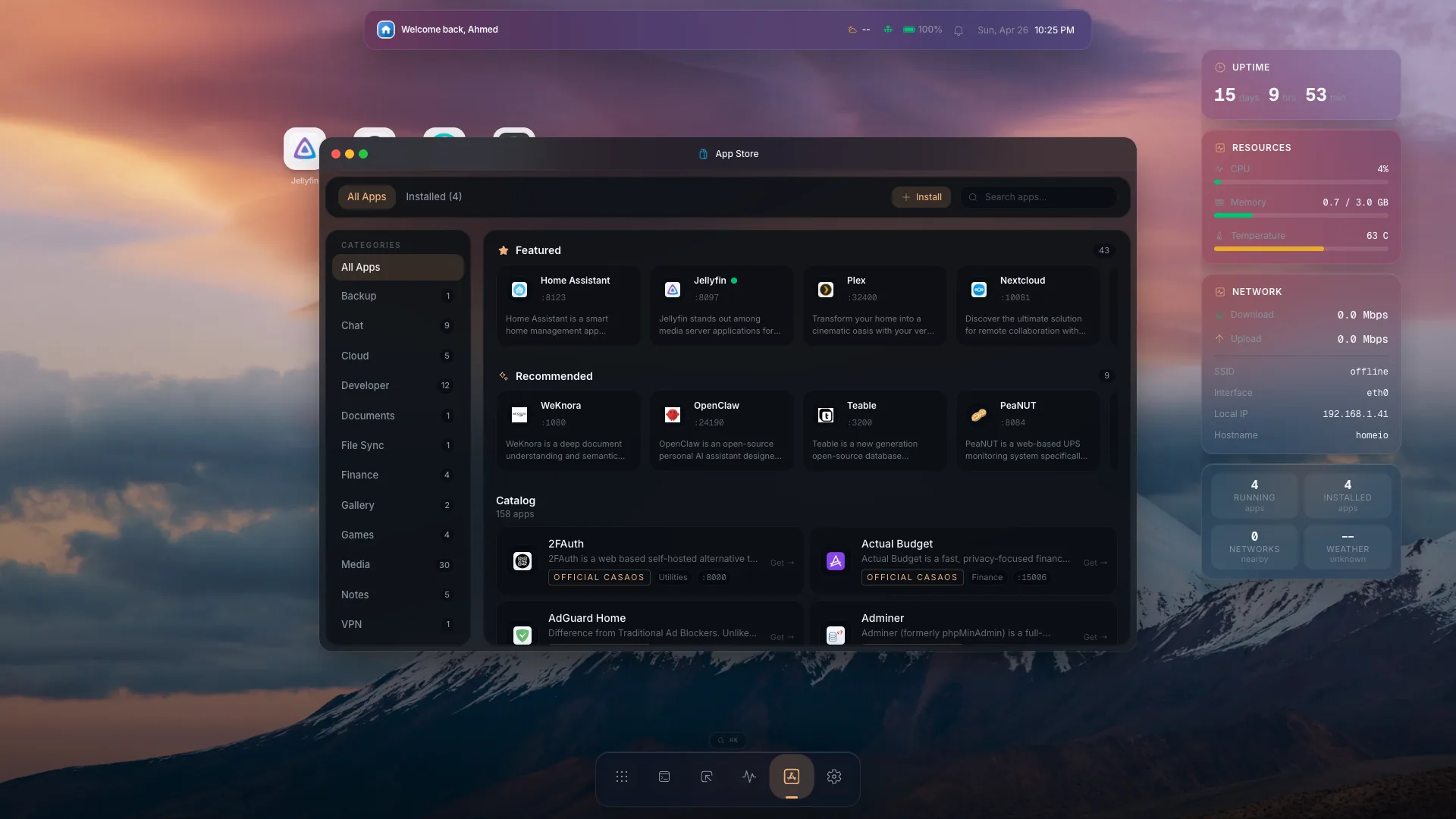
A list of self-hosted apps is only useful if you can install and maintain them. Homeio connects app discovery with the rest of the server: launch Docker apps, browse their data, open a terminal, and watch system health as your stack grows.
FAQ
Good first apps are Jellyfin, Immich, Pi-hole, Home Assistant, Nextcloud, Syncthing, Vaultwarden, and Gitea because they are useful and teach common self-hosting workflows.
Start with two or three apps, learn updates and backups, then expand. Running too many services too early makes troubleshooting harder.
Homeio includes a Docker app store for browsing and installing self-hosted services, then keeps app management, files, terminal, and monitoring in one dashboard.