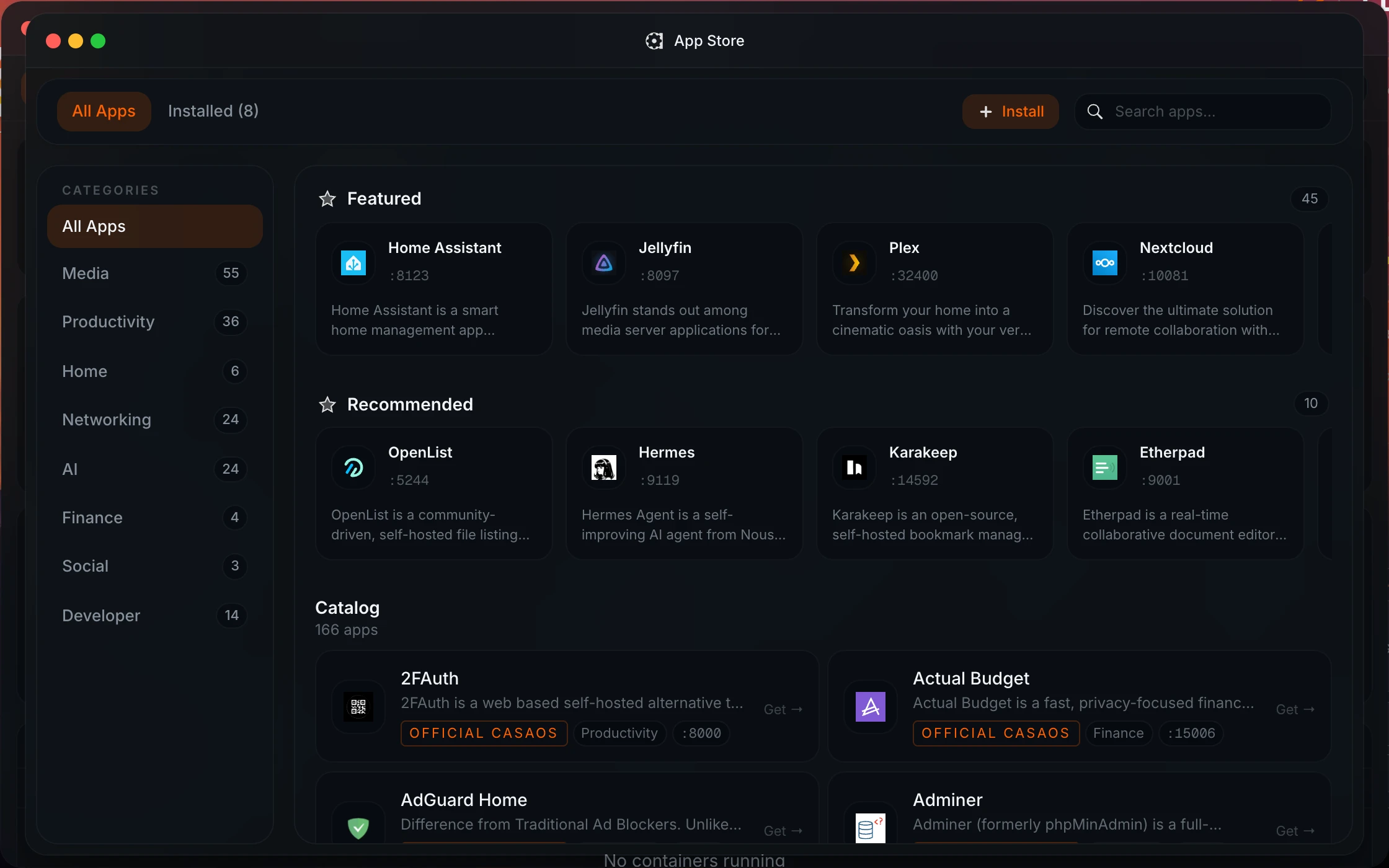
Is Homeio an alternative to HomeDock OS?
Yes, and a close one. Both put a desktop with windows in the browser, with an app store, a file explorer, a code editor, live stats and two-factor login. The difference is how far each goes into the host: Homeio also partitions and formats disks, shares folders over Samba, mounts SMB shares, runs scheduled tasks and takes backups. HomeDock OS goes further in other directions: an encrypted file vault, a calendar, and support for Windows and macOS hosts.
What does HomeDock OS do better?
It runs on more hosts: Linux, Windows and macOS, down to a Raspberry Pi Zero, and inside Docker. Its official store is larger, over 200 apps, and it imports CasaOS- and Zima-compatible stores in one click. It has DropZone, an AES-256-GCM encrypted vault with per-user keys, a file browser for container volumes, multiple user accounts, and a background update check every six hours.
What does Homeio do that HomeDock OS does not?
Host management. Homeio partitions, formats and mounts disks; shares folders over Samba and mounts SMB shares from other machines; switches Wi-Fi and Ethernet through NetworkManager; runs cron-scheduled tasks for commands, scripts, app restarts, image pulls and backups; and takes weekly backups of its database, /DATA and your stacks. Tailscale and Cloudflare Tunnel are settings, not apps.
How are the licences different?
HomeDock OS is licensed under PolyForm Strict 1.0.0: you can use it, but you may not modify it or redistribute it, and it is meant for noncommercial use. Its Enterprise modules need a commercial licence. Homeio is open source under the AGPL-3.0: you can use it anywhere, read it, change it, fork it and redistribute it. The one condition is that a modified version you distribute, or run as a service for others, stays under the same licence.
Can I install apps outside the built-in store?
In both. HomeDock OS has its own .hds package format for bundling a Compose file with an icon and metadata, and imports whole third-party stores. Homeio takes a Compose file or a docker run command directly as a custom app, and adds other CasaOS-format catalogs as store sources from a ZIP URL.
Can I move from HomeDock OS to Homeio?
Yes. Both run apps as Docker containers, so app data carries over. Install Homeio on the same Linux machine on another port with HOMEIO_PUBLIC_PORT, or use its Docker install on 12026. Your HomeDock containers show up on Homeio's desktop, read-only. Reinstall each app from Homeio's store or as a custom Compose app, pointing its volumes at the existing data, then remove it from HomeDock OS. Export anything in DropZone first, since those files are encrypted.
Does Homeio have multiple users?
Not yet. Homeio has one account, with TOTP two-factor login and backup codes; multi-user with roles is planned for 2.0. If several people need their own accounts and private files today, HomeDock OS is the better fit.
Who should choose which?
Choose HomeDock OS if the host is Windows or macOS, if you want an encrypted vault for files, or if several people need accounts. Choose Homeio if the host is Debian, Ubuntu or Raspberry Pi OS and you want the dashboard to handle disks, shares, scheduled jobs and backups too, under an open-source licence.
How do I install Homeio?
curl -fsSL https://get.homeio.app | sudo bash on Debian, Ubuntu or Raspberry Pi OS, which serves the UI on port 80, or docker compose up -d from a clone of the repository, which serves it on 12026. The first account you create is the only one; registration closes behind it.