Will my CasaOS apps work in Homeio?
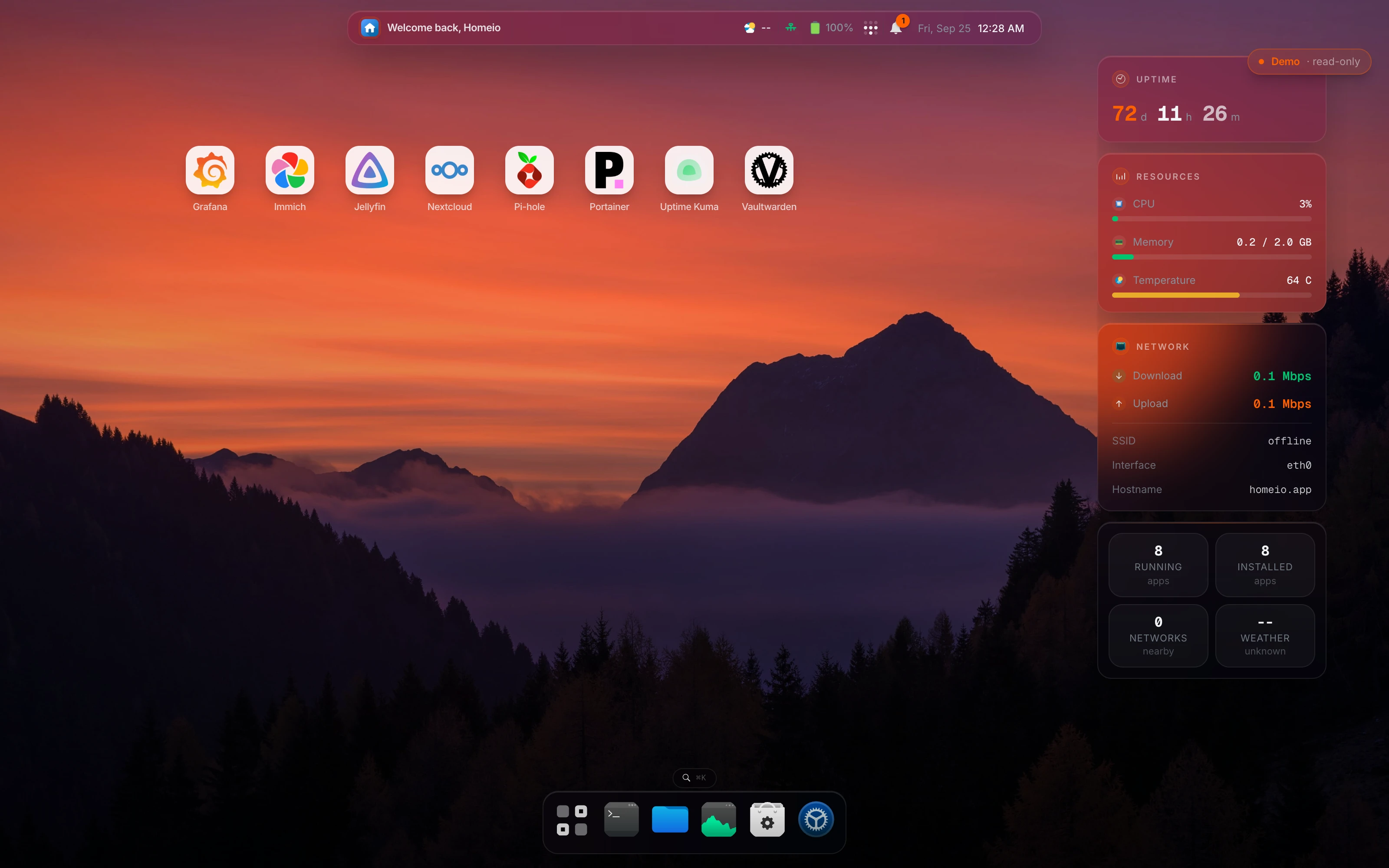
The catalog will: Homeio's default app source is the official CasaOS-AppStore repository, and it reads the same x-casaos compose metadata, so the apps you know are listed the same way. Your running containers are a different matter. Homeio lists them on the desktop since 1.9.1, muted and read-only, but it does not adopt them. To manage an app from Homeio, reinstall it from the store and point it at the same /DATA/AppData folder.
Can I install Homeio on the same machine as CasaOS?
Yes, but not on port 80. CasaOS's gateway already listens there, and install.sh puts Homeio behind Nginx on :80 by default. Either set a different port with sudo HOMEIO_PUBLIC_PORT=8080 bash when you pipe the install script, or use the Docker install, which listens on 12026. Run both side by side until you have moved what you need, then uninstall CasaOS.
Where does Homeio keep app data?
In /DATA/AppData, the same place CasaOS does, with Documents, Media and Download next to it under /DATA. That is deliberate: an app reinstalled from the store finds the data the CasaOS copy left behind.
What does Homeio have that CasaOS does not?
A task scheduler, backup and restore, two-factor login, and Tailscale and Cloudflare Tunnel as settings rather than apps you install and wire up yourself. It also has a disk and partition manager and a Monaco editor in the file manager. CasaOS covers the app store, files, SMB sharing and USB drives well; Homeio does those too.
Is CasaOS still maintained?
Its most recent release is v0.4.15, from December 2024, and IceWhale's new work goes into ZimaOS. The app store repository is still updated, which is part of why Homeio uses it. Check the CasaOS GitHub releases yourself before deciding; this answer will age.
What does the scheduler actually do?
It runs a task on a cron expression: an allowlisted shell command, a script (two-minute limit), an app restart, a backup, or a pull of every stack's images. A failed run raises a notification. Note that the image pull only downloads the new images; the app restarts on the new version when you update or redeploy it.
How do backups work?
Settings → Backup & Restore runs a weekly archive on the day you pick and keeps the last seven by default. It holds the database, everything under /DATA and your compose stacks, and it restores from the same screen. The archive lives on the same disk, so it protects you from a bad update, not a dead drive. Copy it somewhere else.
Is it a bigger install than CasaOS?
Yes. CasaOS is a set of Go services. Homeio is a Next.js app with PostgreSQL, plus a small Go service for uploads. On a Pi 4 or an N100 that is fine; on a 1 GB board it is tight. The Docker image caps Node's heap at 768 MB and the container at 1 GB.
What will I miss coming from CasaOS?
Homeio's terminal is narrower on purpose: it runs allowlisted commands such as docker, df and ls one at a time, with no pipes, so keep SSH for real shell work. And the apps you run today have to be reinstalled from the store before Homeio can manage them.
How do I install Homeio?
On Debian, Ubuntu or Raspberry Pi OS: curl -fsSL https://get.homeio.app | sudo bash, which serves the UI on port 80. Or clone the repository and run docker compose up -d, which serves it on 12026. The first account you create is the only one; registration closes behind it.