Linux host
A mini PC, old desktop, NAS, Raspberry Pi, or dedicated server.
Home lab server
A useful home lab server starts with practical hardware, Docker, and a dashboard that keeps apps, storage, terminal access, and system health in one place.
Beginner stack
A mini PC, old desktop, NAS, Raspberry Pi, or dedicated server.
Run services such as Jellyfin, Immich, Pi-hole, Home Assistant, and Nextcloud.
Keep media, backups, app data, and shared folders visible.
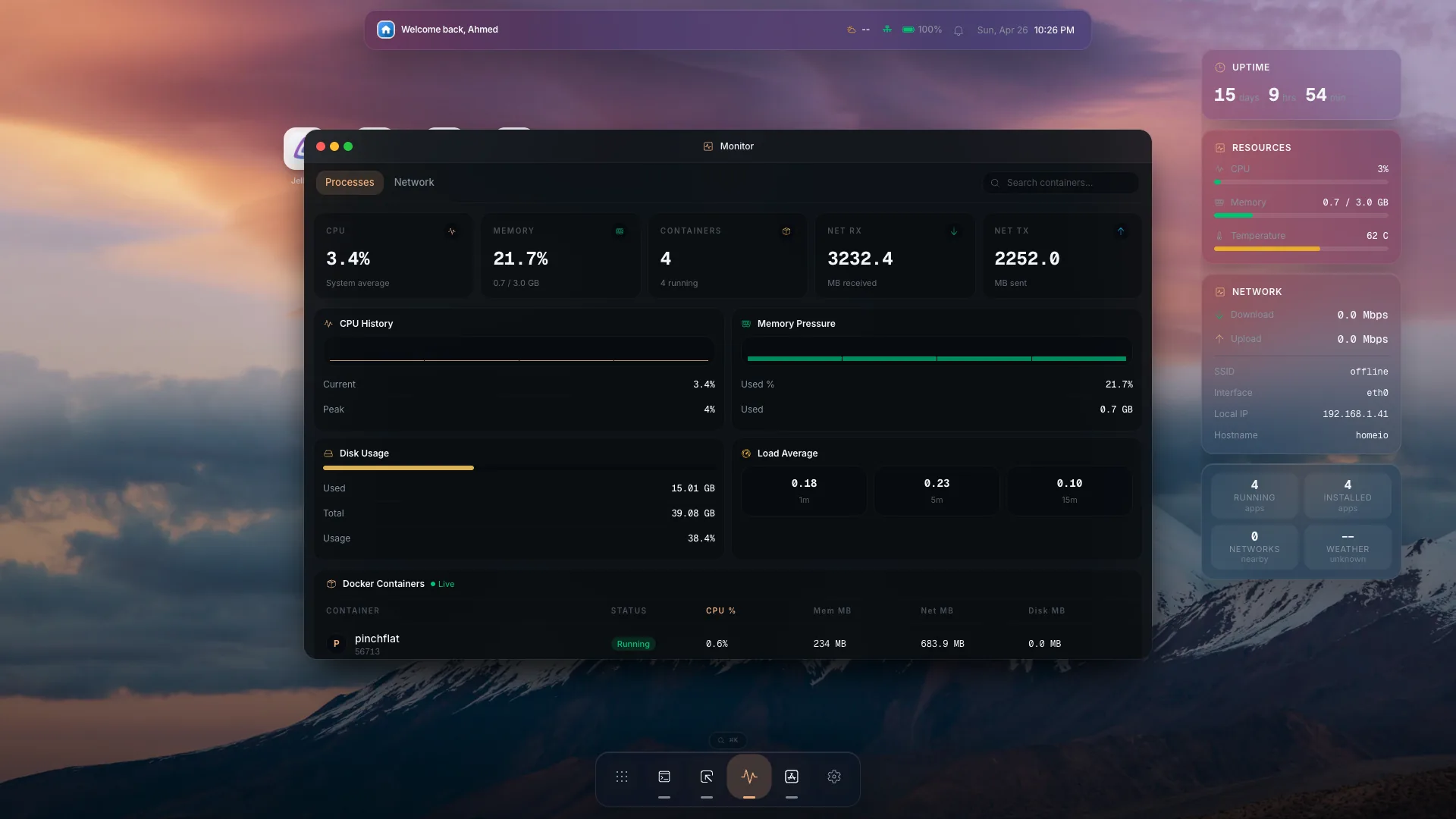
Watch CPU, memory, disk, and network activity while services run.
Keep command-line control nearby for maintenance and troubleshooting.
A mini PC or used desktop is usually the best first home lab server. It gives you enough CPU and memory for Docker services without the noise and power draw of enterprise rack hardware.
Docker Compose is approachable, repeatable, and widely used by self-hosted apps. It is a strong first layer before you add VMs or a full hypervisor.
A server becomes easier to learn when the operating surface is visible. Homeio keeps app cards, files, terminal access, and metrics close enough for everyday maintenance.
Where Homeio fits
Homeio helps your first home lab server become a system you can operate. It gives Docker apps a visual manager, keeps file access nearby, exposes a web terminal for precise work, and shows live server health while your services run.
FAQ
A used business desktop or mini PC is usually the best beginner home lab server because it is quiet, efficient, affordable, and powerful enough for Docker apps.
Yes, a Raspberry Pi can run lightweight services, but a mini PC or used desktop gives more room for media apps, photo libraries, and multiple Docker containers.
Beginners can start with Docker Compose. Add virtual machines later if you need stronger isolation, snapshots, or different operating systems.