
See what is running, and what isn't
Installing containers is the easy part. Most of the work of running a home server comes afterwards: noticing that something stopped, finding out why, keeping the disk from filling up, and updating without breaking anything. This guide covers that work, with the commands for each job. It assumes your apps run as Docker Compose stacks, one folder per app; if you haven't set that up yet, start with the Docker home server guide.
docker ps lists running containers. Add -a to include stopped ones, which is where a crashed app hides:
docker ps -a --format "table {{.Names}}\t{{.Status}}\t{{.Image}}"Up 3 daysis healthy.Up 3 days (healthy)means the image also defines a health check and it passes.Restarting (1) 5 seconds agois a crash loop: the process exits with an error and the restart policy keeps bringing it back.Exited (137)means the process was killed. 137 is 128 plus signal 9, and on a home server the usual cause is running out of memory.Up 2 hours (unhealthy)means the process is running but failing its own health check, typically because it can't reach its database.
Inside a stack folder, docker compose ps shows the same information for just that app.
Restart, recreate, stop, and down are different
These four commands look interchangeable and aren't. Mixing them up is behind a lot of "I changed the config and nothing happened" posts.
docker compose restartrestarts the existing container. It does not pick up changes tocompose.yamlor.env.docker compose up -dcompares the running container with the compose file and recreates it if anything changed. After editing configuration, this is the command you want.docker compose stopstops the containers and keeps them, ready tostartagain.docker compose downremoves the containers and the stack's network. Data in bind-mounted folders and named volumes survives.
docker compose down -v also deletes the stack's named volumes. For an app that keeps its database in a named volume, that is the database. Never add -v out of habit.
Read logs, and stop them filling the disk
When a container misbehaves, its logs almost always say why. Follow the last hundred lines live:
docker compose logs -f --tail=100
docker logs --since 1h jellyfin
docker logs jellyfin 2>&1 | grep -i error
The 2>&1 matters: many apps write errors to stderr, and without it grep never sees them. For a crash loop, read the logs straight after a restart; the last lines before the exit are the ones that explain it.
By default Docker keeps every line a container has ever logged, with no size limit. A chatty app can quietly grow a multi-gigabyte log file under /var/lib/docker. Cap it for every container in /etc/docker/daemon.json:
{
  "log-driver": "json-file",
  "log-opts": {
    "max-size": "10m",
    "max-file": "3"
  }
}
sudo systemctl restart dockerThe setting only applies to containers created after the change. Run docker compose up -d --force-recreate in each stack folder to apply it to existing apps.
Watch resources and set limits
docker stats shows live CPU, memory, network, and disk I/O per container. Add --no-stream for a single snapshot you can paste into a question.
On a small server, one runaway container can starve everything else. A memory spike during a photo import, for example, can push the whole machine into swap. Limits in the compose file stop that from spreading:
services:
  immich-machine-learning:
    # ...
    mem_limit: 4g
    cpus: 2
A container that hits its memory limit is killed rather than the host running out of memory. Check whether that is what happened with:
docker inspect -f '{{.State.OOMKilled}} {{.State.ExitCode}}' immich_machine_learningIf it prints true 137, raise the limit or give the machine more memory; the app is telling you it needs it.
Health checks and startup order
A health check tells Docker how to test whether an app actually works, not just whether its process exists. Many official images define one; you can add or override it in the compose file:
services:
  db:
    image: postgres:16
    healthcheck:
      test: ["CMD-SHELL", "pg_isready -U postgres"]
      interval: 10s
      timeout: 5s
      retries: 5
  app:
    depends_on:
      db:
        condition: service_healthy
With condition: service_healthy, the app waits for the database to accept connections instead of crashing a few times on every boot. The test command has to exist inside the image, so a check that calls curl fails in images that don't ship curl.
Docker's restart policy reacts to a process exiting, not to a failing health check. An unhealthy container keeps running until something restarts it, which is why it is worth being alerted to that status.
Get inside a container, carefully
To look around inside a running container, open a shell in it. Many small images have no bash, so try sh first:
docker compose exec jellyfin sh
docker cp jellyfin:/config/log ./jellyfin-logs
Use this to inspect, not to fix. Anything you change inside a container's own filesystem disappears the next time it is recreated, which happens on every update. Permanent changes belong in the compose file, the .env file, or a mounted config folder.
Update every stack, then clean up safely
With one folder per app, updating the whole server is a short loop. Run it when you can watch the result, not unattended at 3 a.m.:
for dir in /opt/stacks/*/; do
  (cd "$dir" && docker compose pull && docker compose up -d)
done
Every update leaves the previous image behind. docker system df shows how much space images, containers, volumes, and build cache use. Then clean up in order of risk:
docker image pruneremoves dangling images, the untagged leftovers from updates. Always safe.docker image prune -aremoves every image not used by a container. Safe, but stopped stacks will need to download their images again.docker builder pruneclears build cache, if you build your own images.docker volume pruneremoves unused anonymous volumes. With-ait also removes unused named volumes, including the database of any stack that happens to be down. Read the list before you confirm.
When a dashboard is worth it
The command line covers everything above. A graphical tool earns its place when you want to see the whole server at a glance, or do routine jobs from a phone. The common options suit different people:
- lazydocker is a terminal UI: containers, logs, and stats in one screen over SSH. Good if you live in the terminal anyway.
- Portainer is a full container administration console, strongest when you manage several hosts, Swarm, or Kubernetes, or share access with a team.
- Dockge focuses on Compose stacks: edit a compose file in the browser, deploy it, and watch its output.
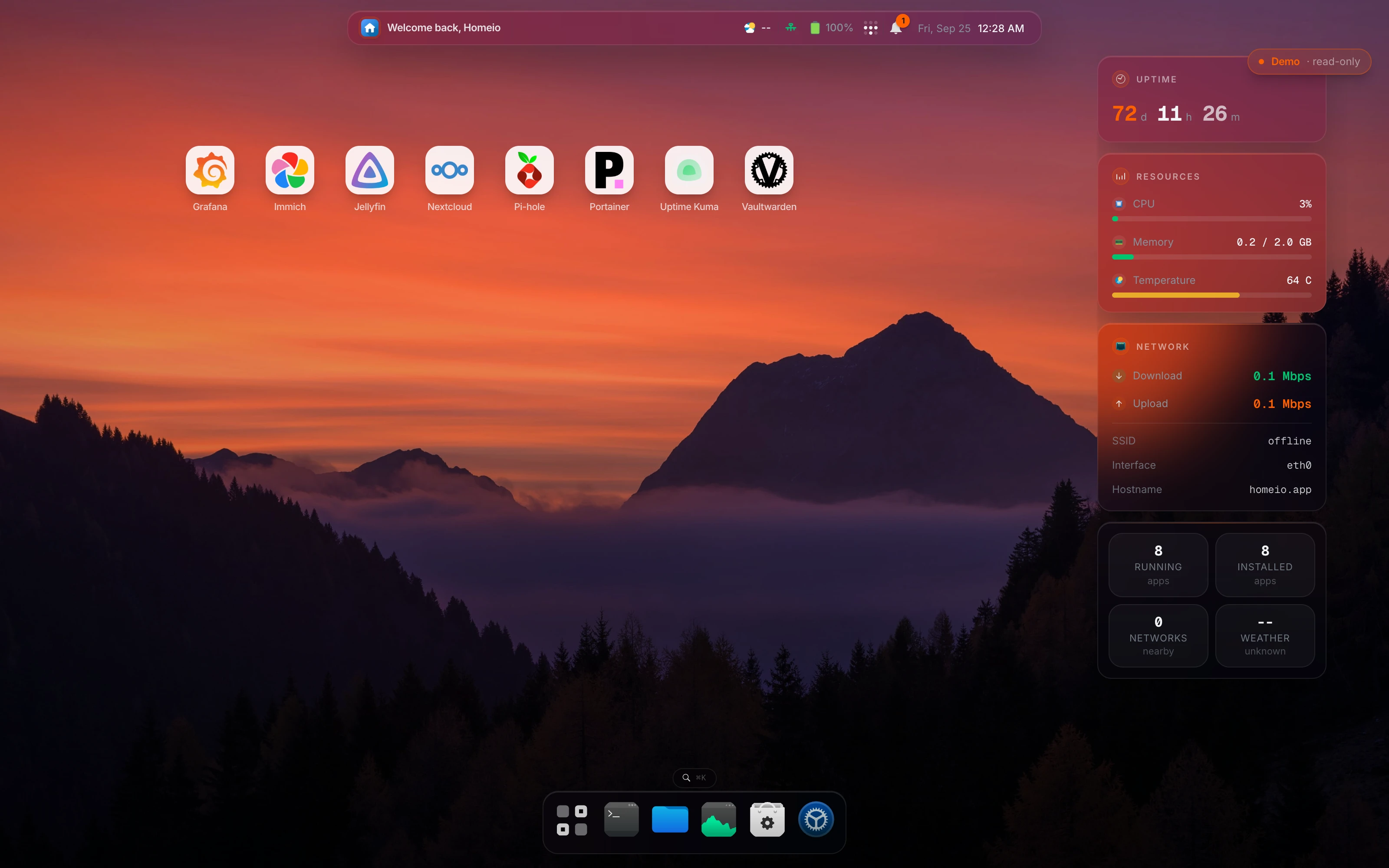
- Homeio manages the containers and the machine around them: logs with level badges and a keyword filter, live per-container stats, compose editing, and alerts when a container crashes, next to files, disks, and scheduled tasks. It is single-user and built for one home server.
Every one of these tools, Homeio included, needs access to the Docker socket, and access to the Docker socket is root access to the host. Put whichever you choose behind a strong password and two-factor login, and reach it over a VPN rather than an open port.