Homeio
OlaresvsHomeio
⌘KAlternative to Olares

Olares alternative without Kubernetes.

Olares packages a full personal cloud on Kubernetes, built around running AI agents and models on your own hardware, with its own identity system and GPU management. If you mainly want self-hosted apps on a machine you already have, that is a lot of platform. Homeio is Docker Compose, one local account, and the server tools around it, on hardware as small as a Raspberry Pi.

Homeio
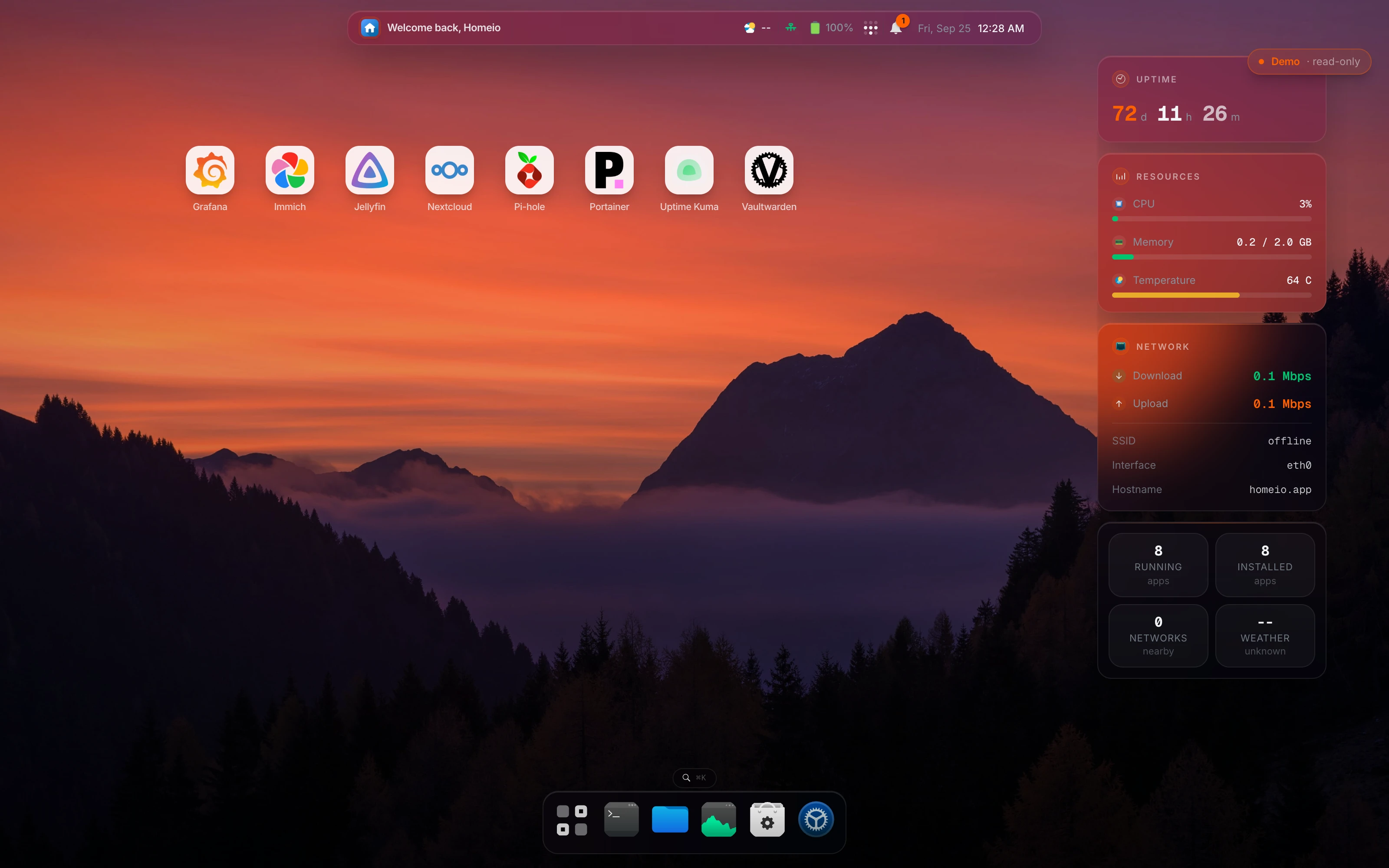
Homeio dashboard as an alternative to Olares
⌘1Differences

What changes if you switch.

  • 01Runs on a Raspberry Pi 4 or 5 or a small mini PC. Olares's Linux install wants 4 cores, 8 GB free and a 150 GB SSD.
  • 02Docker Compose instead of Kubernetes: when an app misbehaves you read docker logs, not pod events.
  • 03One local account created on first launch; no external ID to activate the server.
  • 04Any Compose file or docker run command installs as an app, with no packaging step.
  • 05Host tools in the same desktop: disks, Samba shares, SMB mounts, Wi-Fi and a cron scheduler.
  • 06Remote access only if you want it: Tailscale for you, Cloudflare Tunnel for an app you share.
⌘2Side by side

Job by job.

NeedIn Homeio
Hardware

x86_64 or ARM64 on Debian, Ubuntu or Raspberry Pi OS. A Pi 4, an N100 mini PC or an old desktop is typical.

Olares: at least 4 cores, 8 GB free memory and a 150 GB SSD on Linux; separate installers for Windows, macOS and Raspberry Pi.

Getting started

Run the install script, open the server's address, create the account.

Olares: create an Olares ID in the LarePass app, run the installer, then activate through a web wizard.

Apps

The CasaOS app store, other CasaOS-format stores, and any Compose file or docker run command.

Olares Market, with apps packaged for its Kubernetes platform.

Local AI

Install Ollama or Open WebUI as Docker apps. No GPU scheduling of its own.

Olares is built for this: one-click models, GPU pooling and slicing across nodes, and AI agents. Olares is ahead.

Files and sharing

File manager with a Monaco editor and USB drives; Samba shares and SMB mounts.

Olares's Files app covers local files, sync, cloud storage and SMB or NFS shares, with backups.

Several users

One account today; multi-user with roles is planned for 2.0.

Olares is designed for a household or small team.

Remote access

Optional: Tailscale from Settings, Cloudflare Tunnel for an app you publish.

Olares: LarePass VPN and HTTPS entrances for apps, tied to your Olares ID.

Recurring jobs and backups

Cron-scheduled tasks and a weekly backup of the database, /DATA and your stacks.

Olares has configurable backups in Settings.

When something breaks

docker compose logs and a Compose file you can read. Homeio streams the same logs in the browser.

Olares: Kubernetes underneath, with its own dashboard and CLI.

⌘?FAQ

Questions people ask before switching.

Is Homeio an alternative to Olares?

Yes, if what you want is self-hosted apps on a Linux machine rather than a personal AI platform. Olares is a full personal cloud OS on Kubernetes, with its own identity system, a GPU scheduler and a focus on running AI agents and models locally. Homeio is smaller: a Docker Compose app store plus files, disks, Samba, scheduled tasks, backups and monitoring.

What hardware does each need?

Olares's Linux install asks for at least 4 CPU cores, 8 GB of free memory and 150 GB of SSD storage, and fails on a hard drive; a GPU is optional for AI. Homeio runs on a Raspberry Pi 4 or 5, an N100 mini PC or an old desktop: its Docker install caps Homeio itself at 1 GB, and 4 GB of RAM leaves room for a few apps.

Do I need an account to use either one?

For Olares, yes: you create an Olares ID in the LarePass app to activate the server, and by default reach your desktop at an address under olares.com based on that ID. Homeio uses one local account created on first launch, and no online account is involved; remote access is Tailscale or Cloudflare Tunnel, which you turn on only if you want it.

When is Olares the better choice?

When local AI is the point. Olares installs AI apps and models from its Market in one click, pools GPUs across machines with time-slicing and memory-slicing, and is designed for AI agents that work with your files. It also serves several users, with private networking, HTTPS entrances for apps and a password vault built in. Homeio has one account and no AI runtime of its own.

Why choose Homeio instead?

Because it is less platform. Every Homeio app is a docker-compose.yml you can read, edit and copy to another host; when an app misbehaves you read its logs, not pod events. It runs on small hardware, manages the host too (disks, Samba shares, Wi-Fi, scheduled tasks), and nothing depends on an external identity service.

Are both open source?

Yes, and under the same licence. Olares and Homeio are both AGPL-3.0: free to use, change and redistribute, and anyone who ships a modified version or runs one as a service must publish their changes. Olares builds on Kubernetes (K3s), Kubesphere, JuiceFS, MinIO, Envoy and other open-source projects.

Can I run my existing Docker Compose apps?

In Homeio, directly: paste the Compose file or a docker run command as a custom app, or keep running it yourself and Homeio shows the container on its desktop, read-only. Olares runs apps on Kubernetes, so a Compose app has to be packaged for Olares Market first.

How do I install Homeio?

curl -fsSL https://get.homeio.app | sudo bash on Debian, Ubuntu or Raspberry Pi OS, which serves the UI on port 80, or docker compose up -d from a clone of the repository, which serves it on 12026. The first account you create is the only one.

⌘3Next step

Try it next to what you run now.

The demo needs no install. On a spare machine or a VM, the Docker install takes a few minutes and listens on port 12026, so it does not fight your current setup for port 80.

⌘4Keep reading