Is Homeio an alternative to ZimaOS?
For some setups. ZimaOS is IceWhale's NAS operating system, the successor to CasaOS's direction: it replaces the OS on an x86-64 machine and keeps the system read-only and managed. Homeio installs on a normal Debian, Ubuntu or Raspberry Pi OS system and leaves that system yours. If you want RAID and family accounts on a dedicated NAS, ZimaOS is the better fit; if you want to keep your Linux and manage apps, files and disks on it, Homeio is.
What does ZimaOS do better?
Storage and people. ZimaOS sets up RAID 0, 1, 5 and 6 from the interface, with ZFS as an option, gives each family member an account with their own Samba permissions, runs backup jobs to one or two destinations, connects Google Drive, Dropbox and OneDrive, and offers peer-to-peer remote access through ZimaClient. Homeio has no RAID manager and one account.
What does Homeio do that ZimaOS does not?
It runs on hardware ZimaOS does not support, including the Raspberry Pi and other ARM64 boards, and it leaves the operating system open: apt, SSH, cron and your own services keep working. It also has a cron scheduler for commands, scripts, app restarts, image pulls and backups, Cloudflare Tunnel for publishing an app on your own domain, and no disk or user limits because there is no paid tier.
Is ZimaOS free?
The free edition covers the core features for up to 4 disks and 3 users. ZimaOS Plus lifts both limits for a one-time $29, bound to one device, and is included with IceWhale's ZimaBoard, ZimaBlade and ZimaCube. Homeio is open source under the AGPL-3.0, with no paid tier and no limits.
Does Homeio lock down the underlying system?
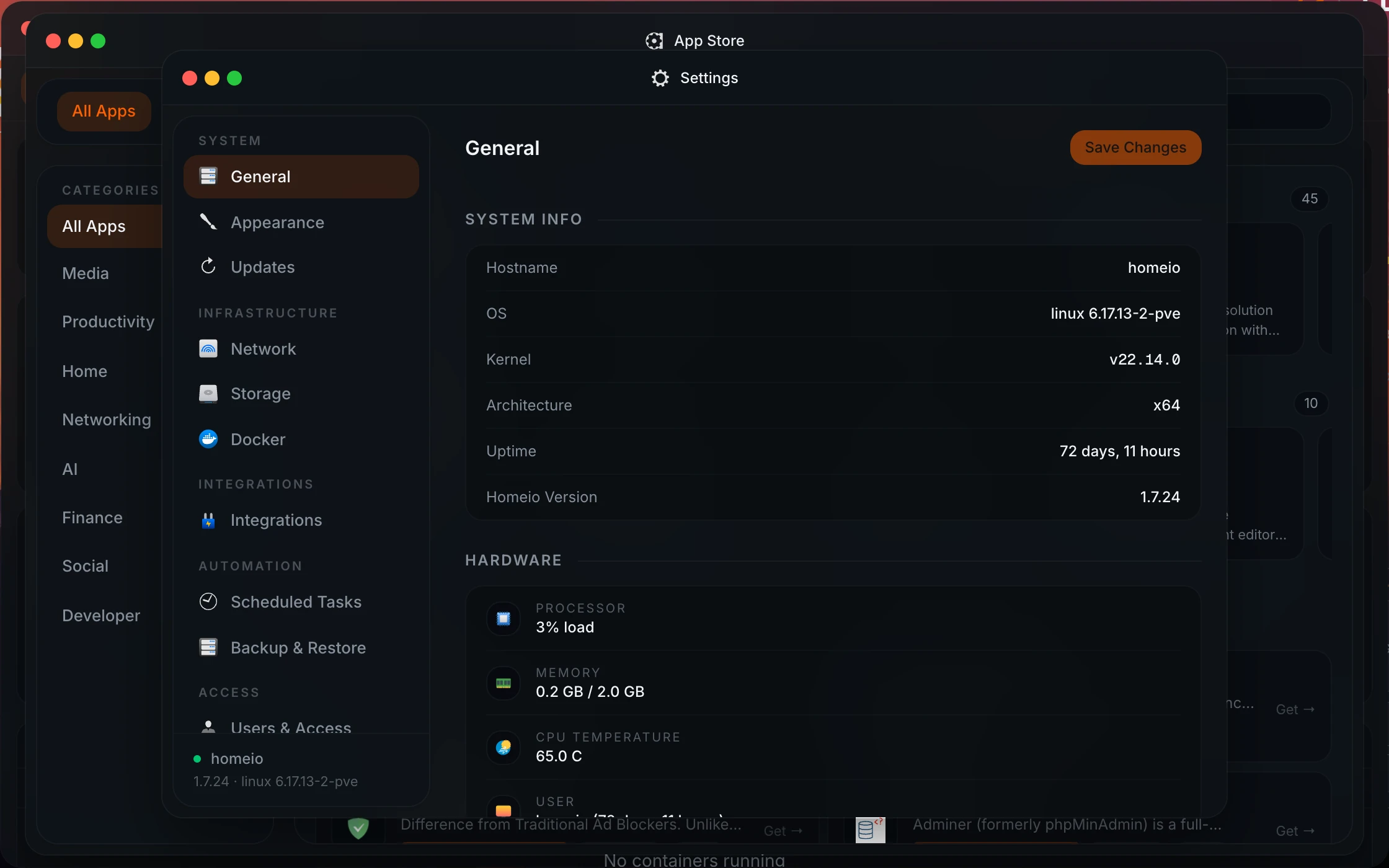
No. Homeio installs on Debian, Ubuntu or Raspberry Pi OS as systemd services behind Nginx, or as containers with Docker Compose. The operating system stays yours. The flip side is that updates to the OS are your job, where ZimaOS updates the whole system as one image.
Can I use my CasaOS apps with Homeio?
Yes. Homeio's default catalogue is the official CasaOS app store, it reads the same x-casaos Compose metadata, and it keeps app data in /DATA/AppData like CasaOS. You can add other CasaOS-format stores from a ZIP URL, or paste any Compose file.
Can I move from ZimaOS to Homeio?
Yes, with a fresh install, since Homeio needs a normal Linux underneath. Copy your app data and files to another disk, install Debian or Ubuntu and then Homeio, reinstall your apps from the store or as custom Compose apps pointing at the copied data, and copy your files back. If the data sits on a ZimaOS RAID array, make sure you can read it outside ZimaOS before you wipe anything.
Should I choose Homeio or ZimaOS?
Choose ZimaOS for a dedicated x86 NAS with several drives, especially on Zima hardware, or when several people need their own accounts. Choose Homeio for a Raspberry Pi, for a machine that already runs Linux and other services, or when you want scheduled tasks, Cloudflare Tunnel and an open-source licence without limits.
How do I install Homeio?
curl -fsSL https://get.homeio.app | sudo bash on Debian, Ubuntu or Raspberry Pi OS, which serves the UI on port 80, or docker compose up -d from a clone of the repository, which serves it on 12026. The first account you create is the only one.