
Home server dashboard features
Homeio combines Docker app operations, file access, terminal control, live monitoring, app discovery, backups, networking, and scheduled tasks into one self-hosted home server dashboard. If you are planning your first home server lab, each module is designed to keep common server work visible and reachable without switching tools.
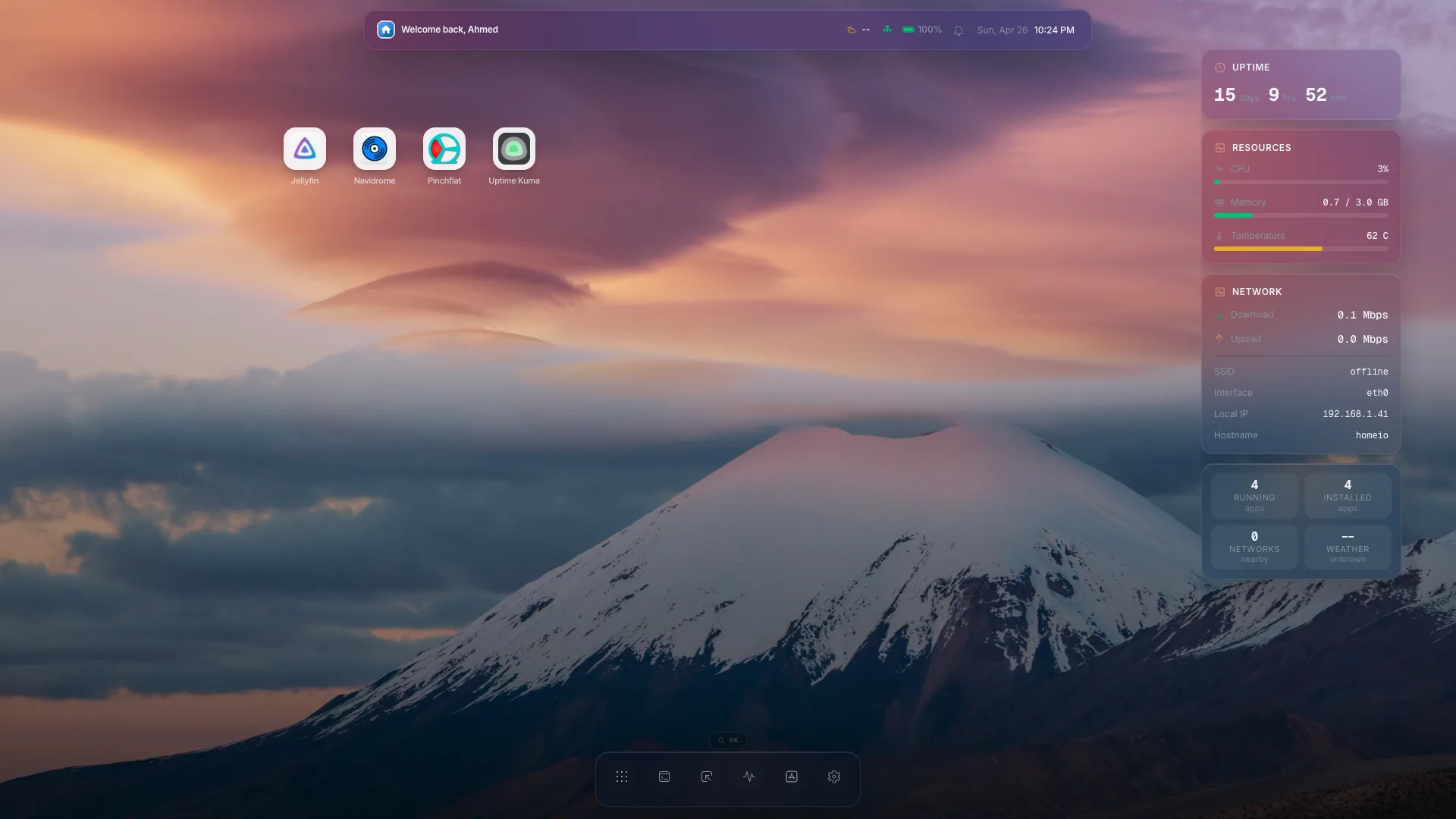
App Manager
Operate Docker Compose apps from a visual home server dashboard.
The App Manager handles Docker Compose app operations from the browser. Install, update, redeploy, start, stop, restart, and uninstall apps while Homeio persists long-running operations and streams their progress to the UI.
Learn how to manage Docker containers in Homeio- Install, update, redeploy, and uninstall Compose apps
- Start, stop, and restart installed services
- Inspect operation progress and streaming app logs
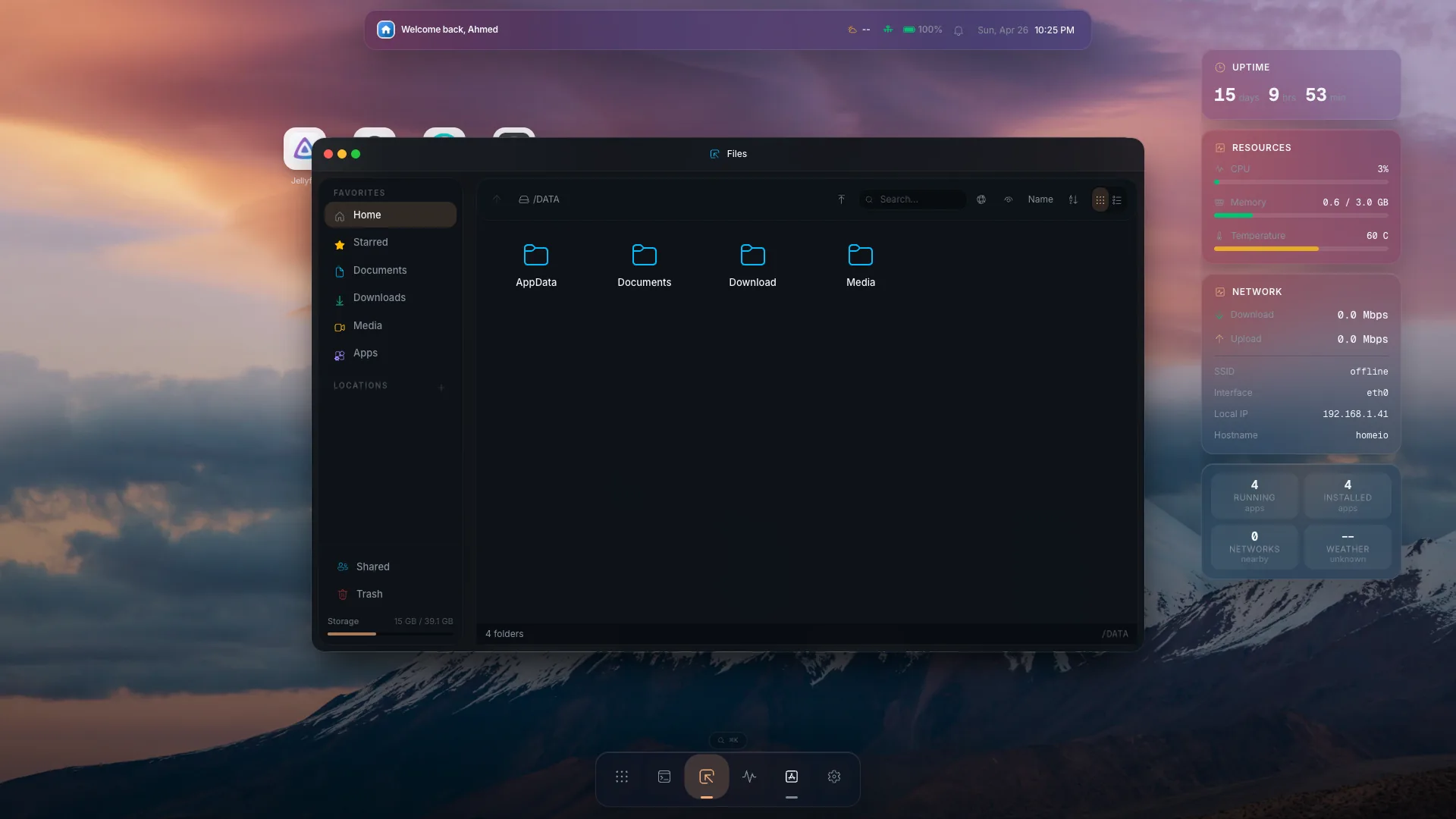
File Manager
Browse, preview, upload, and organize server files from the browser.
Browse the configured files root from a protected web UI. The File Manager supports uploads, downloads, text-file reads and writes, previews, copy, move, rename, ZIP export, search, starred items, trash restore or delete, SMB discovery and mounts, local folder sharing, USB drive actions, and early Google Drive integration.
Compare self-hosting vs cloud storage- Upload, download, preview, edit, search, star, zip, and trash files
- Copy, move, rename, restore, and delete entries
- Work with USB drives, SMB shares, local shares, and Google Drive
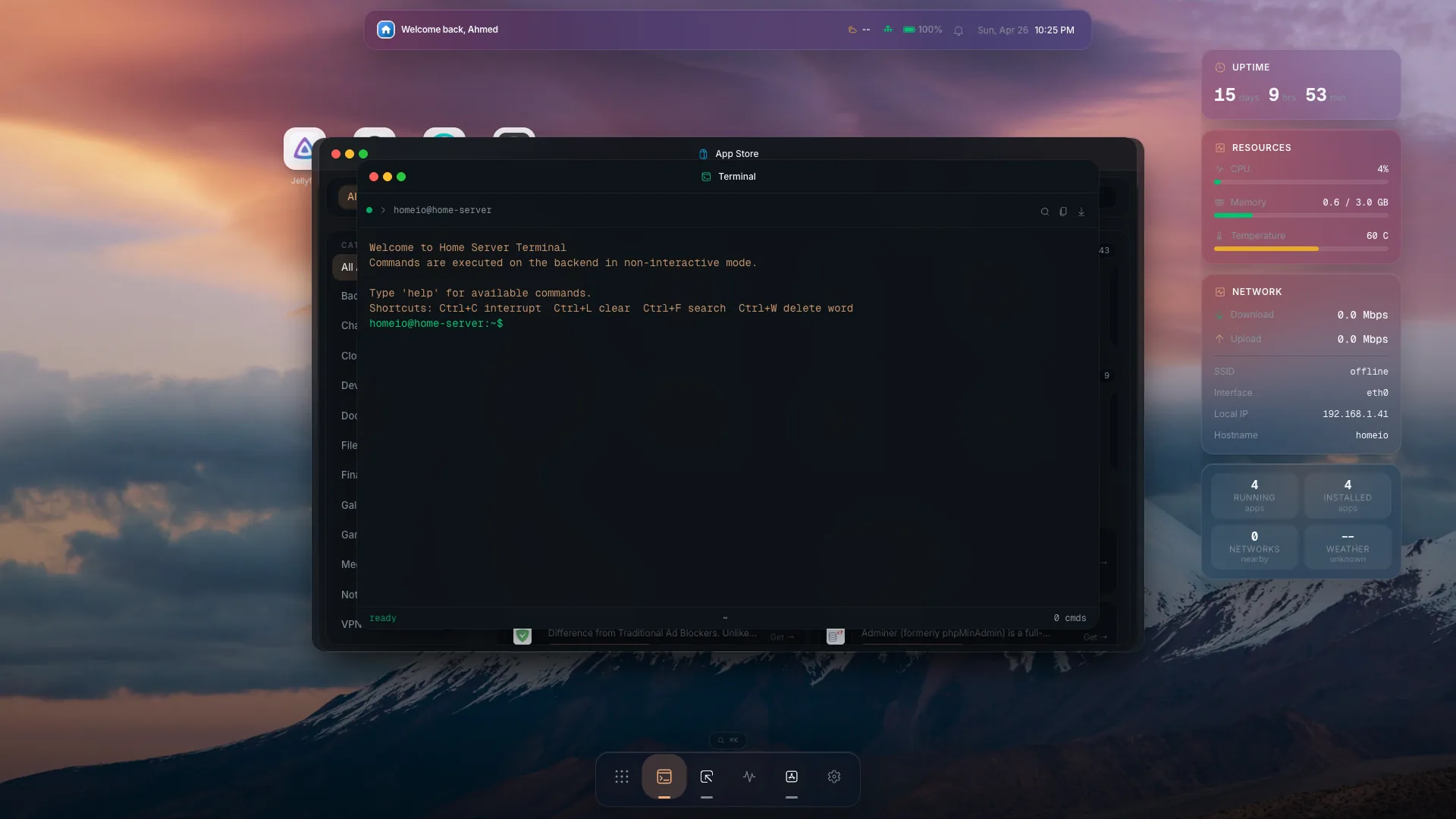
Terminal
Open terminal control beside your apps, files, and monitoring.
Homeio includes a terminal window in the desktop-style shell. The WebSocket terminal provides a full PTY shell for direct server work, while the command execution endpoint uses an explicit allowlist for safer UI-driven actions.
Explore web terminal access for your home server- Use a browser terminal for direct server work
- Keep command access next to files, apps, and metrics
- Separate full PTY access from allowlisted command actions
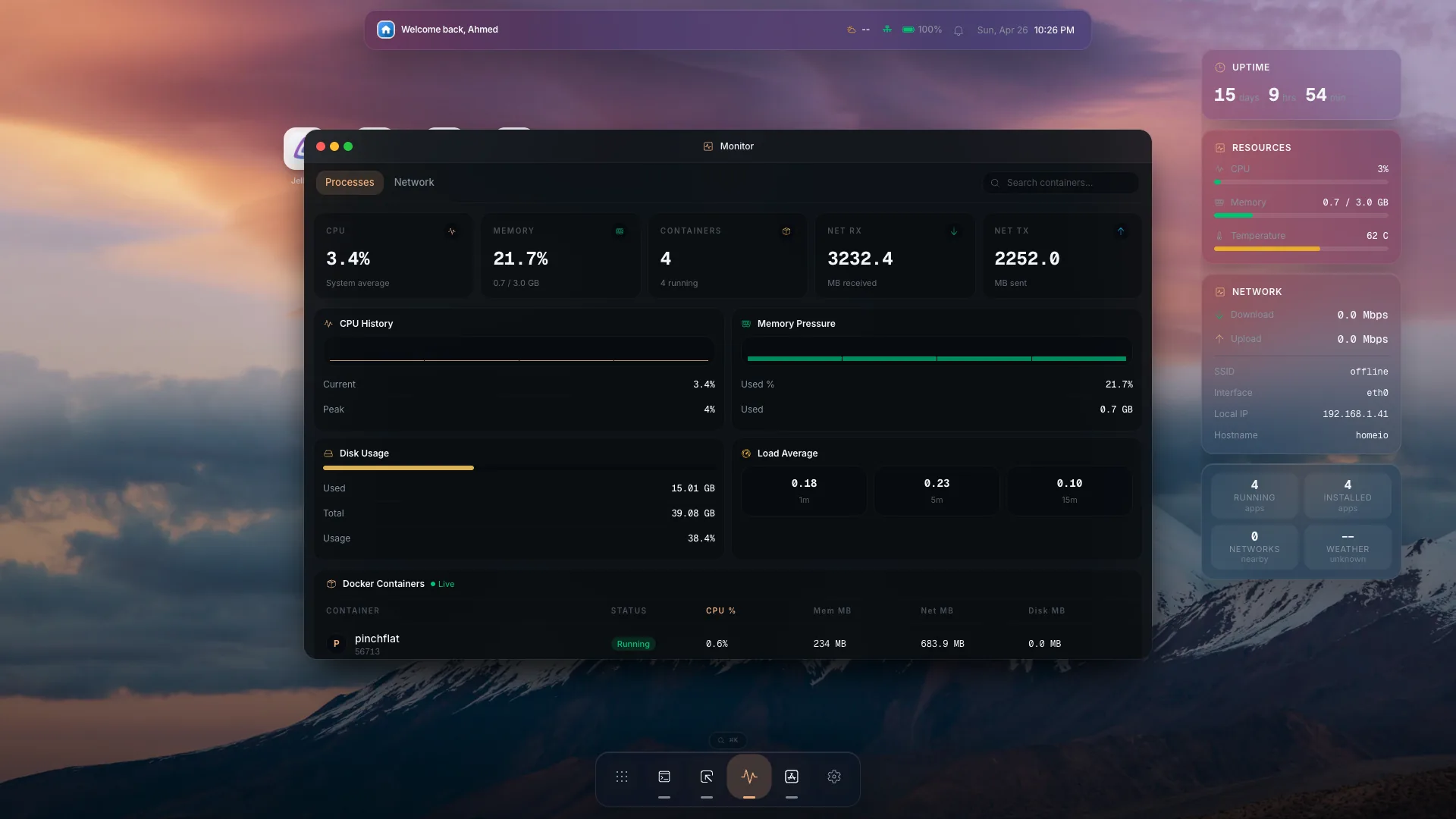
System Monitor
Watch server health, Docker state, and system operations in real time.
Track live CPU, memory, disk, network, Docker info, and Docker stats via Server-Sent Events. The system module also exposes server info, update status, backups, power controls, disk management, logs, and status bar data.
- Monitor CPU, memory, disk, network, and Docker stats
- Check server info, logs, update status, and backups
- Use disk and power controls from the same operating surface
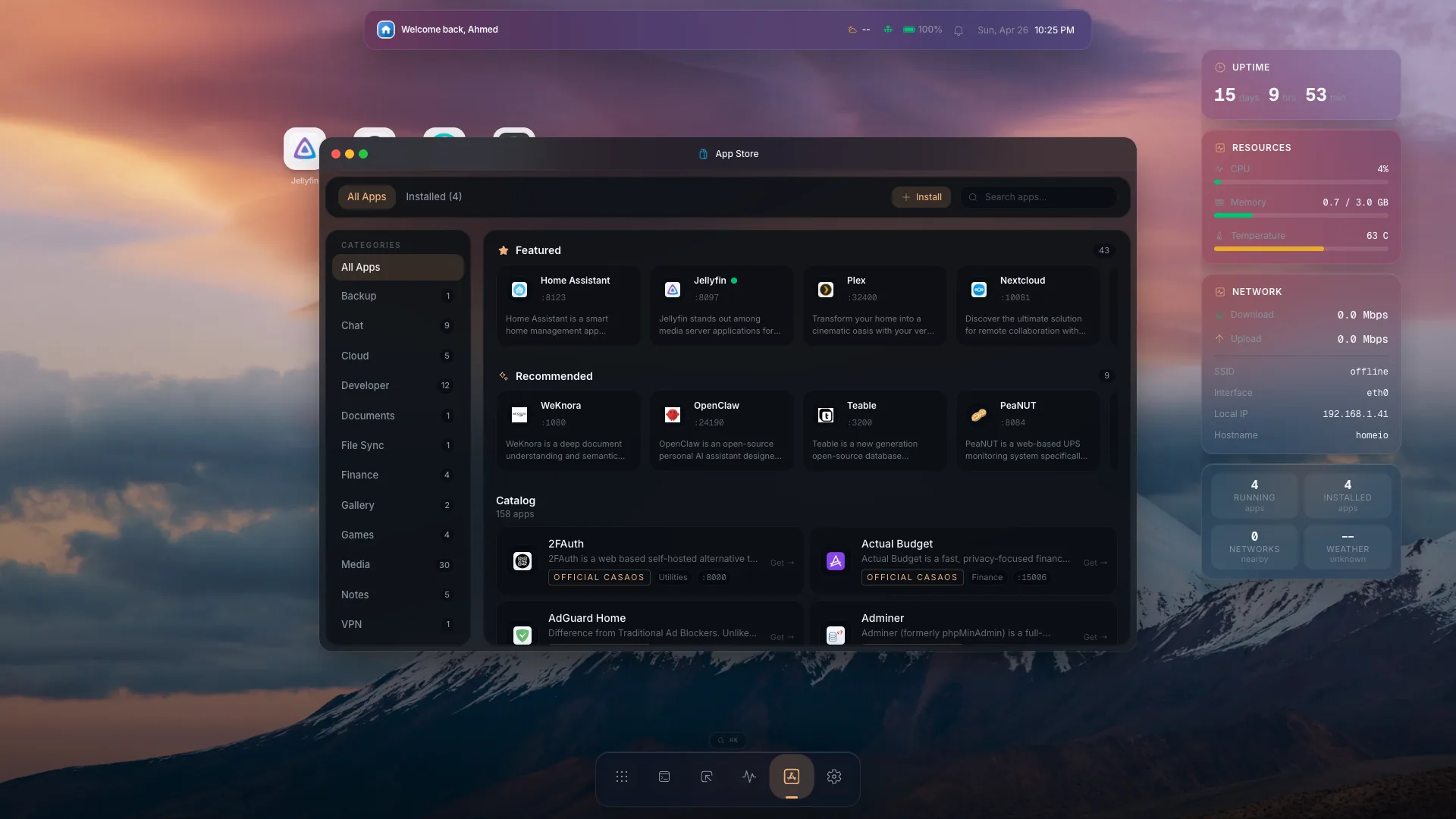
App Store
Discover and install self-hosted apps from one place.
Browse community app templates and install them through Homeio's operation system. The catalog supports CasaOS-style store archives, custom sources, custom app installs, compose views, app settings, updates, redeploys, and uninstall flows.
- Browse self-hosted app templates and custom sources
- Install Docker apps through a guided operation flow
- Use CasaOS-style archives and custom app installs
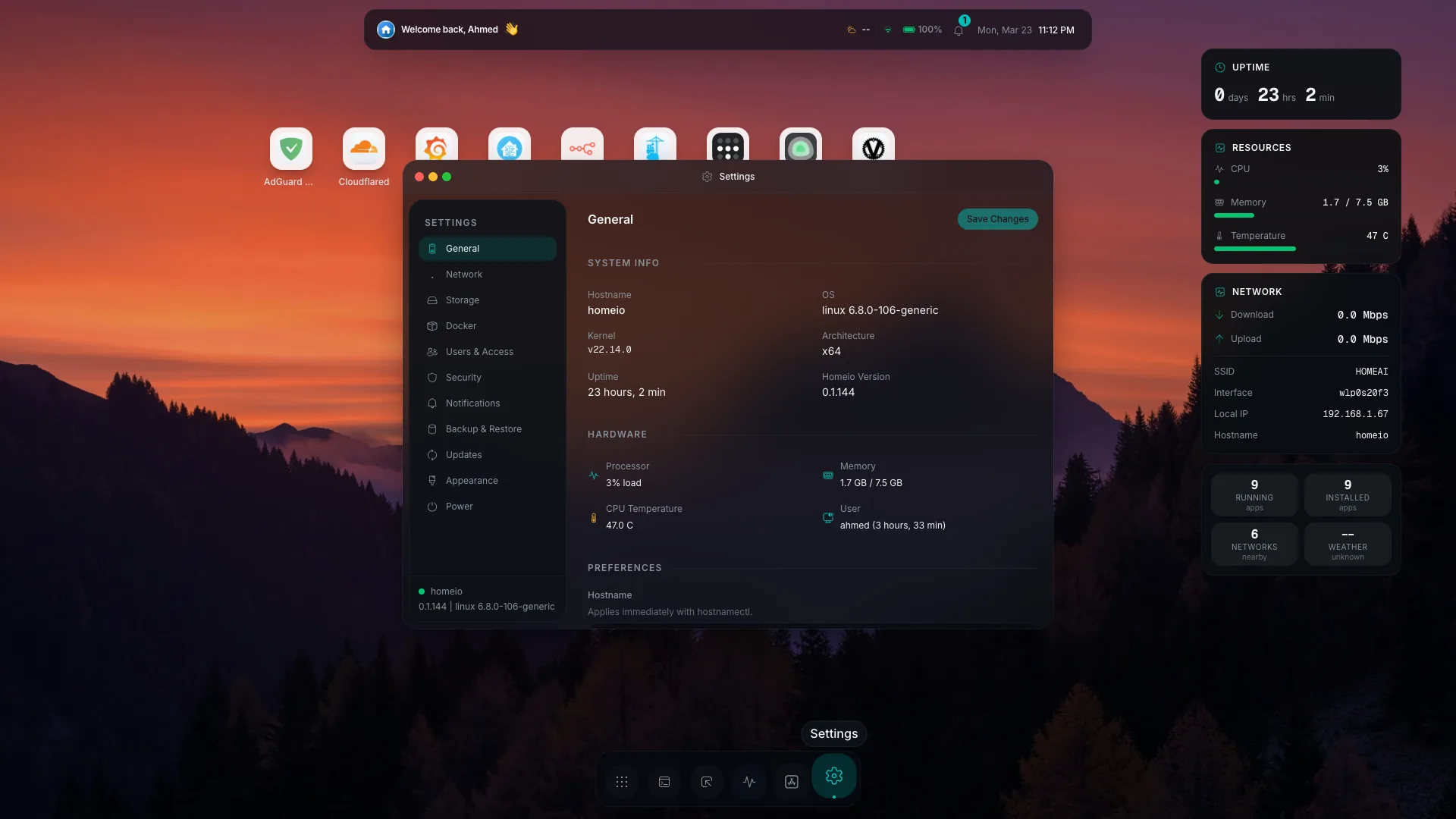
Settings & Automation
Configure server operations and recurring jobs from one control surface.
Use settings for preferences, security, updates, backups, power actions, disks, networking, and scheduled tasks. Scheduled tasks can run recurring shell commands, app restarts, backups, and image pulls with execution history stored for review.
- Configure security, updates, backups, disks, and network actions
- Schedule commands, app restarts, backups, and image pulls
- Review recurring task definitions and execution history